Learning Arcade
For ages 5 to 11

Learn a little.
Earn play time.
Play arcade games.

Reading, maths and typing practice for primary school. Children answer questions, earn time, then pick an arcade game. When the timer runs out, it is back to learning.

  • No ads
  • No accounts
  • No data collected
  • Works offline
  • iPad, Chromebook and computer
How it works

Practice first. Play second.

The same simple loop in all three apps, so children always know what to do.

  1. Practise

    A short round of reading questions, maths questions or typing lines. Every right answer is a star.

  2. Earn time

    Each star turns into play time. A teacher or parent decides how much, from 10 seconds to 2 minutes for each right answer.

  3. Play

    Choose from 16 original arcade games. A timer counts down, then it is back to the next round.

Three apps

Pick the one you need

Each app is separate and quick to load. They all open in the browser, and each one can be added to an iPad Home Screen like a normal app.

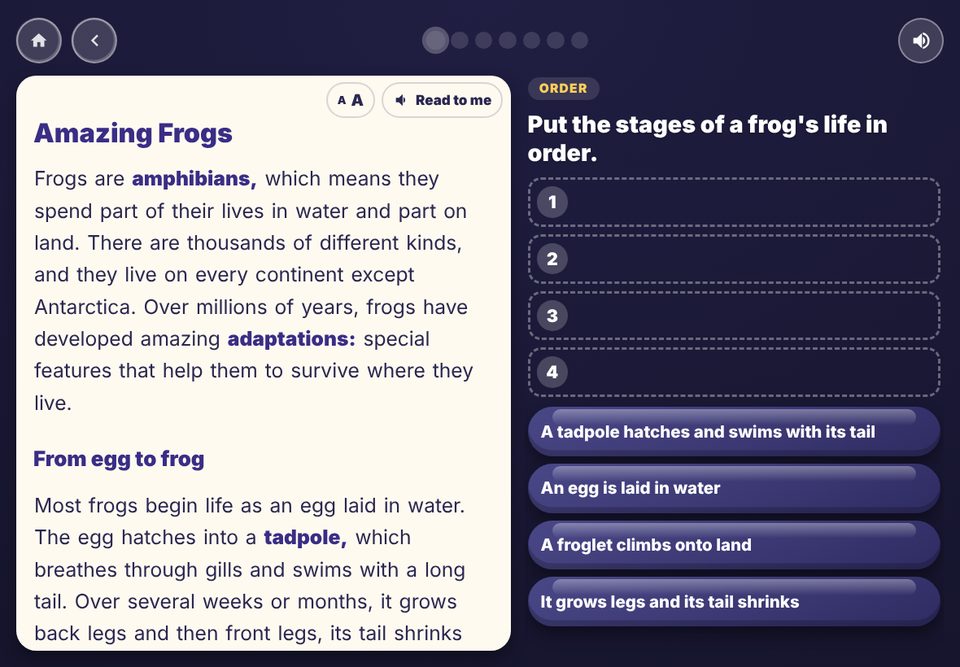
A reading text about frogs next to a question where the child puts the stages in order
Read a text, then answer questions about it
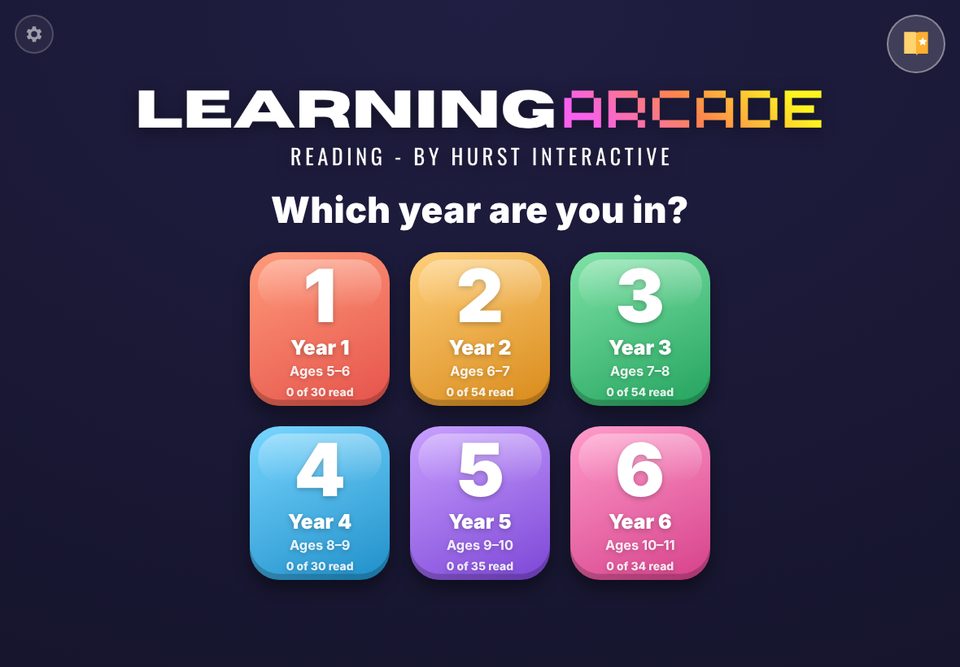
The Learning Arcade Reading title screen with six year group buttons
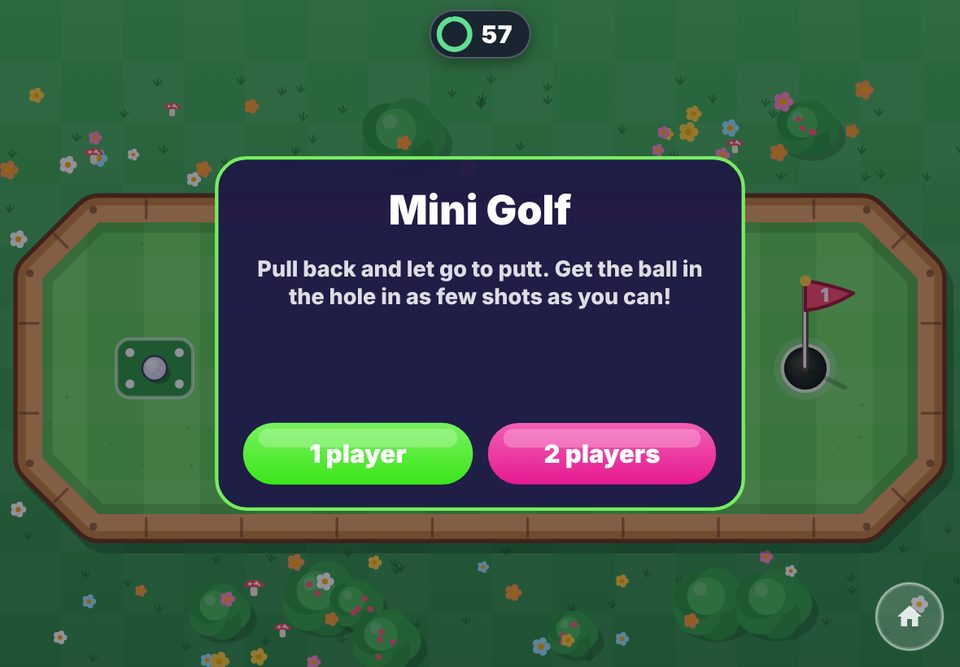
The Mini Golf arcade game with a 1 player or 2 players choice

Reading comprehension for Years 1 to 6, with 237 texts and questions after every one.

  • Stories, facts, poems, how-to guides, letters, news reports and plays, at the right level for each year
  • Five kinds of question: multiple choice, true or false, put in order, matching, and find it in the text
  • A read-aloud button, big clear type and a new surprise text every time
  • Written for the English National Curriculum, in British English
Years 1 to 6iPads and computers

Maths for Years 1 to 6. The questions are made fresh each time, so children never run out and never see the same set twice.

  • Years 1 to 3: add, take away, times, share, missing numbers, time, money and shapes, with counters, number lines and 100 squares to work with
  • Years 4 to 6: 36 topics including fractions, decimals, percentages, ratio, algebra, area, angles, graphs and coordinates, with a picture for every question that needs one
  • Type the answer on a big number pad, or choose from four. A wrong answer gets another go
  • Questions get a little trickier after a perfect round, and a little easier after a hard one
Years 1 to 6iPads and computers
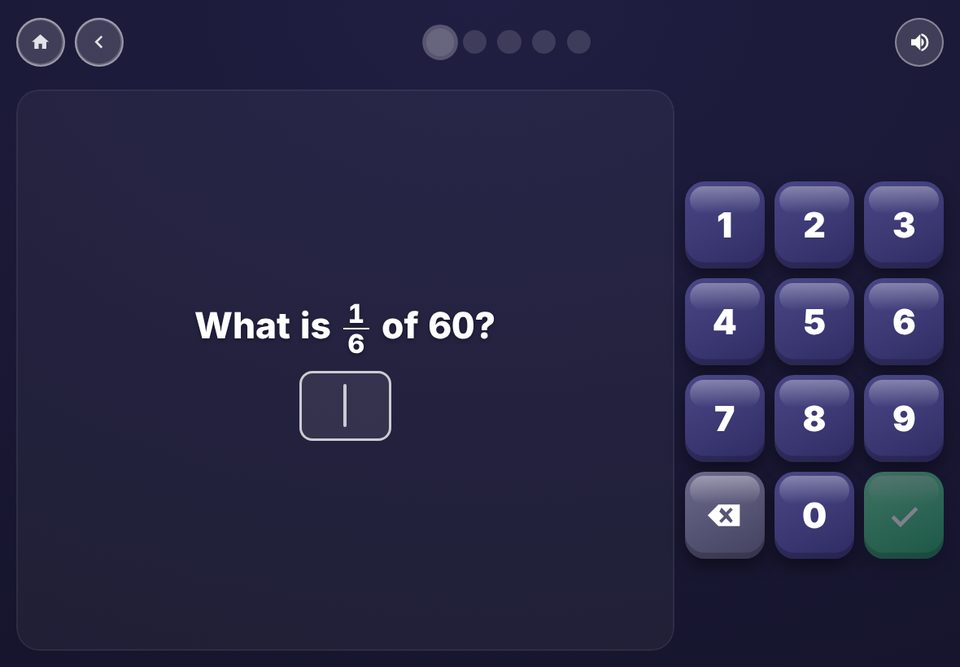
A Year 5 maths question: what is one sixth of 60, with a number pad
Years 4 to 6: fractions, percentages, graphs and more
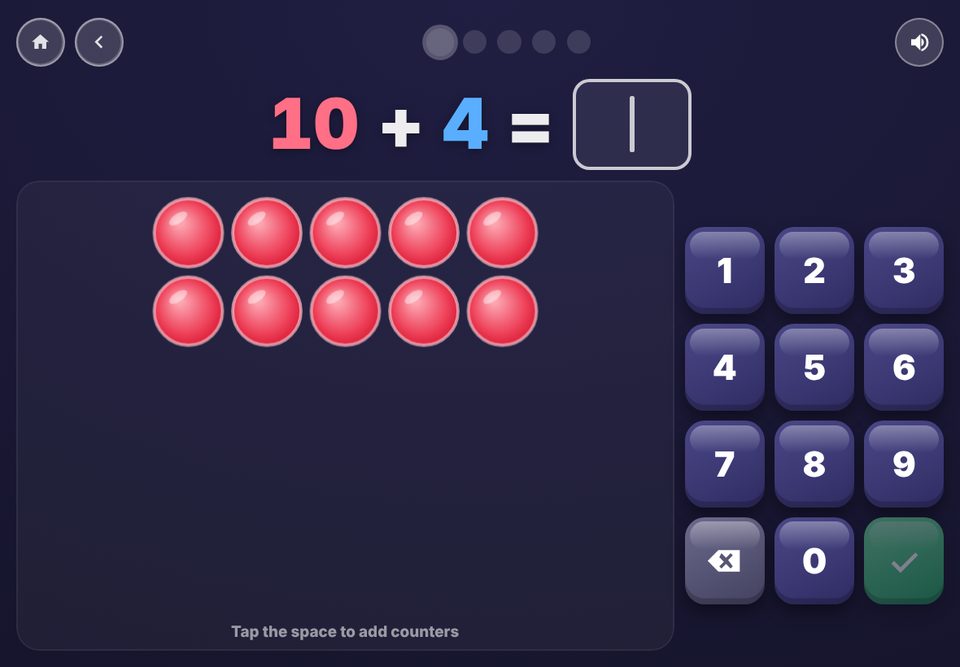
A Year 1 addition question with counters to tap
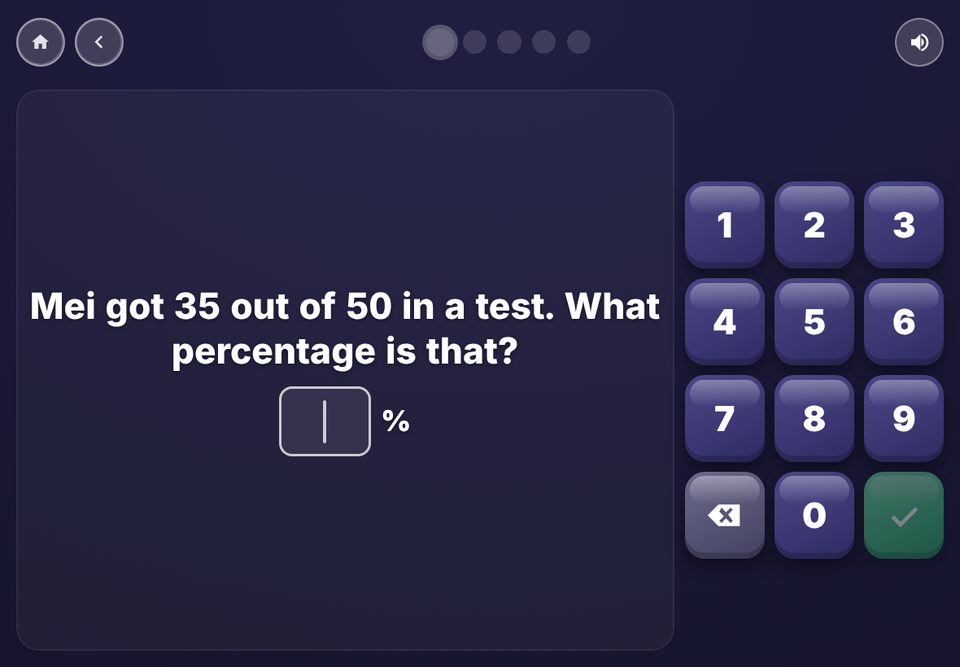
A Year 6 percentage word problem
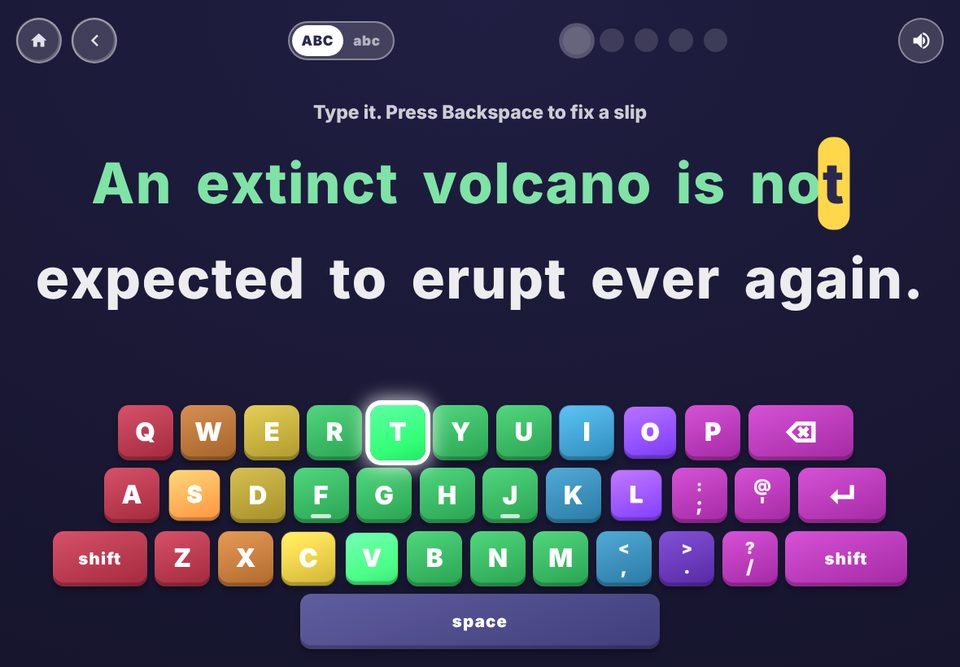
A typing line with an on-screen keyboard lighting up the next key
The keyboard lights up the next key, with a colour for each finger
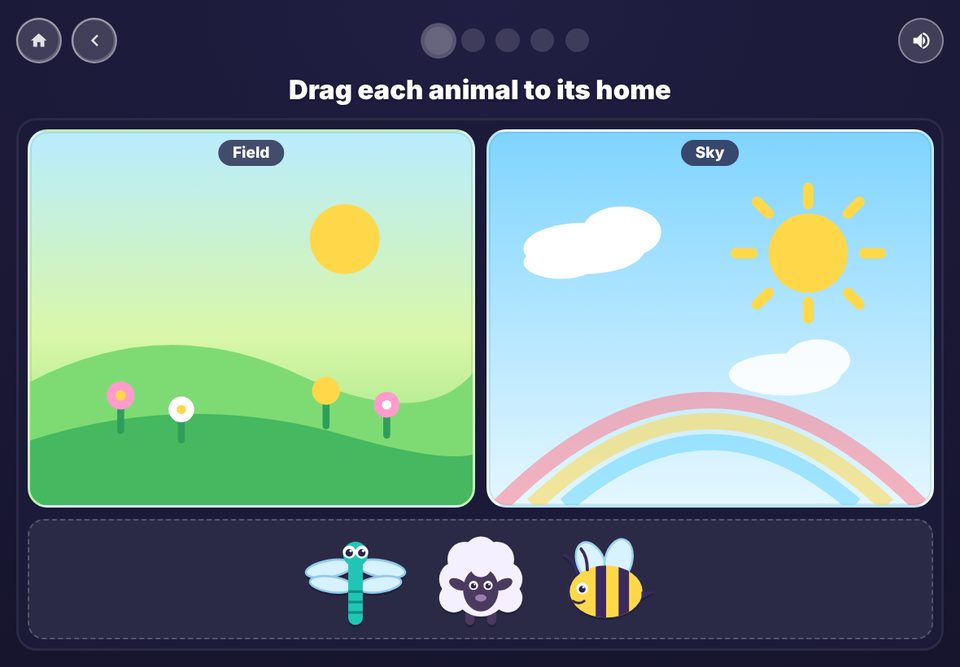
A mouse skills game where animals are dragged to their homes
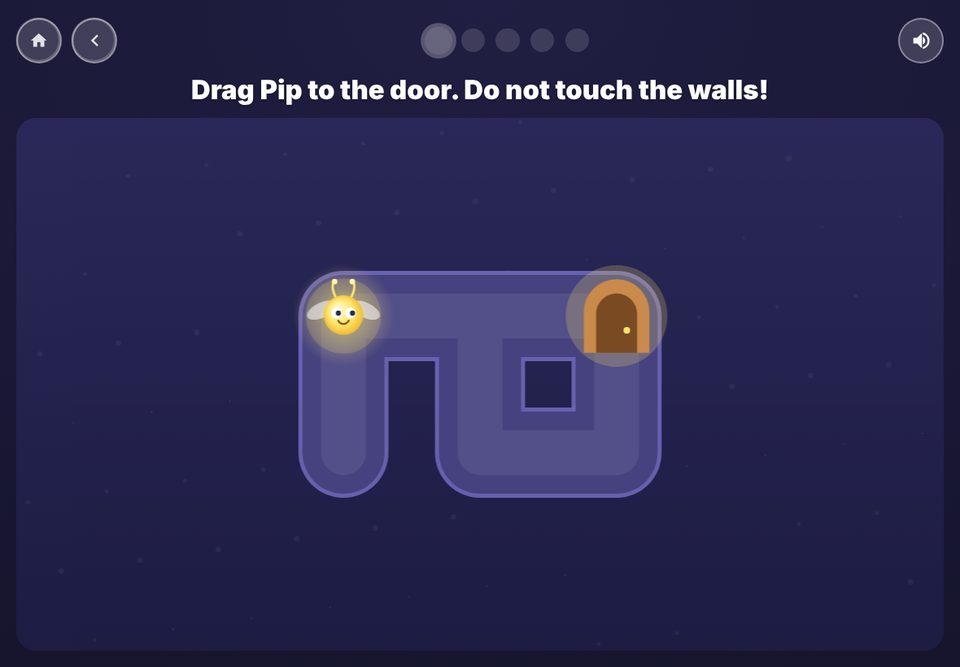
The steady-hand maze: guide a glowing bug to the door without touching the walls

Typing and mouse skills for computers and Chromebooks, from finding the first letter to typing for a whole minute.

  • 26 typing stages across Years 1 to 6: letters, home row, words, capitals, sentences, numbers, speech marks and symbols
  • An on-screen keyboard with finger colours, a switch between CAPITALS and small letters, and UK or US keyboard layouts
  • Accuracy for every line, plus words a minute and a one-minute challenge in the older years
  • Nine mouse and computer skills: point, click, double-click, right-click, drag, a steady-hand maze, scroll, select text, and move windows and copy and paste
  • A progress chart and a printable certificate for each year
Years 1 to 6Computers and Chromebooks
The arcade

16 games, all made for Learning Arcade

Quick, friendly games that fit into the time a child has earned. New games open as children collect stickers, and many have a 2-player mode. The play timer pauses while two children play together.

  • Star Catcher
  • Treasure Island
  • Penalty Shootout
  • Hoops
  • Bowling
  • Archery
  • Pop-up Critters
  • Fruit Slice
  • Tower Stack
  • Rocket Dodge
  • Puffin Flap
  • Memory Match
  • Monster Drop
  • Maze Chase
  • Mini Golf
  • Air Hockey
The arcade: a grid of sixteen game buttons, some locked until more stickers are collected
For teachers and parents

Calm, safe and easy to run

Set it up your way

Behind a grown-up check, choose play time per star, questions per round, read-aloud, and whether questions adapt.

Nothing leaves the device

No accounts, no sign-in, no ads, no tracking. Stickers, progress and settings stay on the device and can be cleared.

Works offline

Open it once online and it keeps working with no internet, which suits school Wi-Fi and car journeys.

Made for the curriculum

Written for the English National Curriculum, Years 1 to 6, in British English, with child-friendly wording.

Stickers to collect

Stars collect into stickers, and stickers open new games, so there is always a reason for one more round.

Easy on a school iPad

Add it as a Web Clip from your device management system, or by hand in Safari. Read the school guide.

Prices

Try it free, then unlock the full version

Every app opens in your browser with a free taster of every year, so you can try it before you buy. After you buy, you get a code by email. Type it into the teacher settings once and the full version stays unlocked on that device.

Free, in the browser

  • Reading: 5 texts for every year, with their questions
  • Maths: 3 topics for every year
  • Typing: the first 2 typing stages of every year and the first 4 mouse skills
  • 4 arcade games in every app

Full version

  • Reading: all 237 texts
  • Maths: every topic, up to 12 a year in Years 4 to 6, and the Teacher toolkit
  • Typing: all 26 typing stages, all 9 mouse skills and the printable certificates
  • All 16 arcade games in every app

For families

Reading

Years 1 to 6. 237 texts with questions, read-aloud and 16 arcade games.

£3.99 one-off
Buy

Maths

Years 1 to 6. Fresh questions every time, with counters, number lines and diagrams.

£3.99 one-off
Buy

Typing

Typing and mouse skills, with an on-screen keyboard. For computers and Chromebooks.

£3.99 one-off
Buy

Best value, and for schools

Family bundle: all three apps

Reading, Maths and Typing together. One code unlocks all three.

£7.99 one-off
Buy

School licence: all three apps

All three apps on up to 30 devices, with an unlock link for Web Clips.

£79.99 one-off
Buy

School licence: one app

One app on up to 30 devices, with an unlock link for Web Clips. Choose the app:

£29.99 one-off each

There are no subscriptions and no adverts. Payment is handled by Lemon Squeezy. Questions? luke@hurst-audio.com

Questions

Good to know

Can I try it before I buy?

Yes. Open any of the three apps from this page and use it straight away, with nothing to sign up for. The free version has a taster of every year group, so you can check the level with your own child. Locked parts show a small padlock.

Will the apps update by themselves?

Yes. Whenever a device opens an app while it is online, it picks up the newest version. Stickers, progress and the unlock stay on the device.

Does it need the internet?

Only the first time. After it has opened once online, it keeps working with no connection. If a new version has been published, it loads the next time the device is online.

Which devices does it work on?

iPads and iPhones (Safari), Android tablets, Chromebooks, Windows and Mac computers, in a current browser. Reading and Maths work with touch or a mouse. Typing is made for a computer or Chromebook with a keyboard, because it teaches typing on a real keyboard.

Is it safe for children?

There are no adverts, no accounts, no chat and no links out of the apps. The teacher settings sit behind a grown-up check. Read the privacy page for the details.

Do stickers and progress follow a child between devices?

No. Everything is saved on the device in use, and nothing is sent anywhere. That is how the apps stay private. It also means each school iPad or Chromebook keeps its own stickers.

Which year groups and curriculum?

Years 1 to 6 (ages 5 to 11), following the English National Curriculum. Spelling and wording are British.

Is there an App Store version?

App Store versions of Reading and Maths are planned. Typing is web only, because school iPads do not usually have a keyboard and mouse.

How does a school put it on many devices?

See the school guide: Web Clips for iPads, installing on Chromebooks, and how one licence unlocks many devices.